Contents · Install
Guide
Install
Install lodelai on your Mac.
What you need
- A Mac with macOS 13 or later and Apple silicon (M1 or later)
- Claude Code installed on this device
Steps
- Download lodelai with the button above.
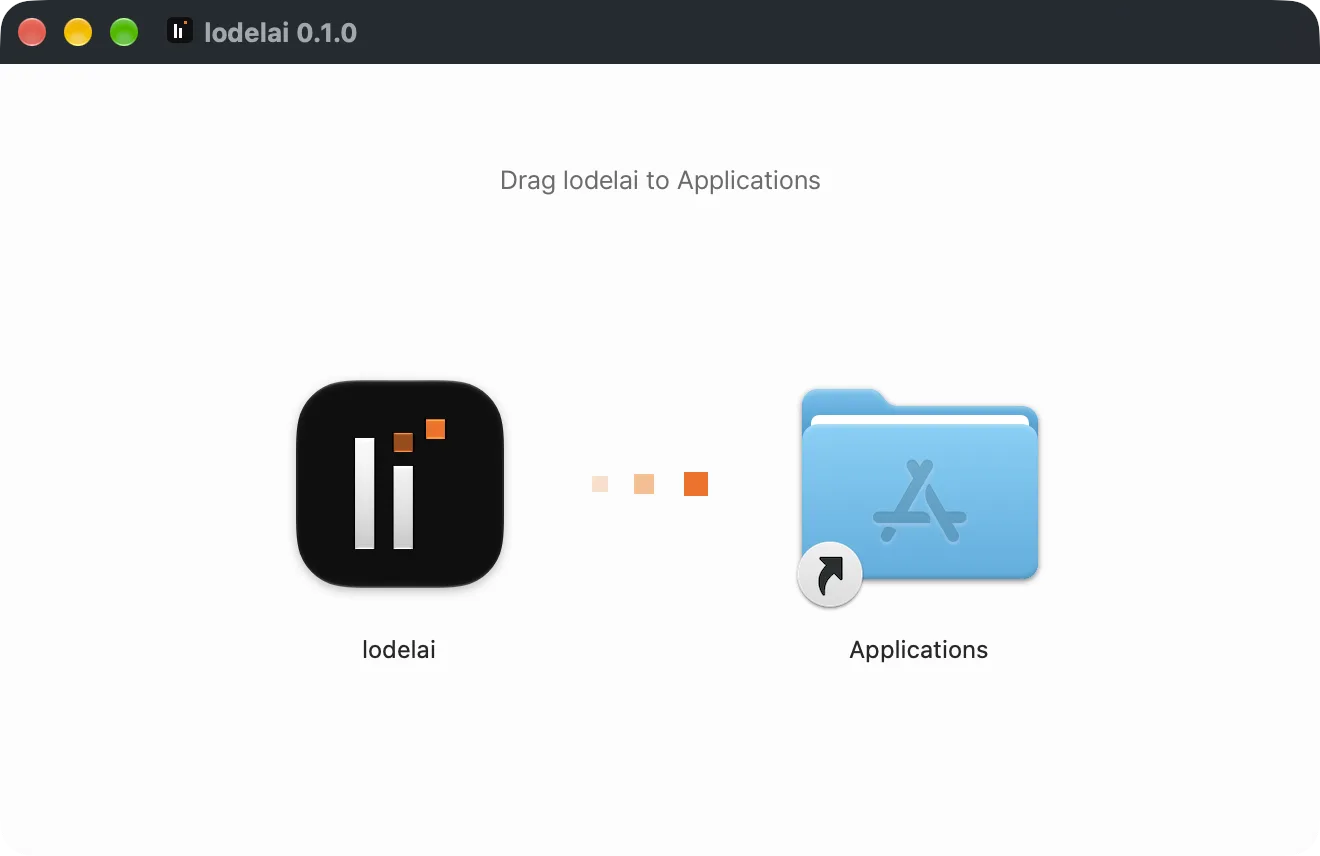
- Open the downloaded file and drag lodelai to the Applications folder.
- Open lodelai from the Applications folder.
- After you sign up, macOS asks about notifications. Allow them so you don't miss teammates' requests.
If something's off
- "Can't get updates" — You opened it from the downloaded file. Move it to Applications and open it again.
- You declined notifications — Click the gear icon at the top of Settings › General › Notifications and turn them on.
Next: Join with an invite link